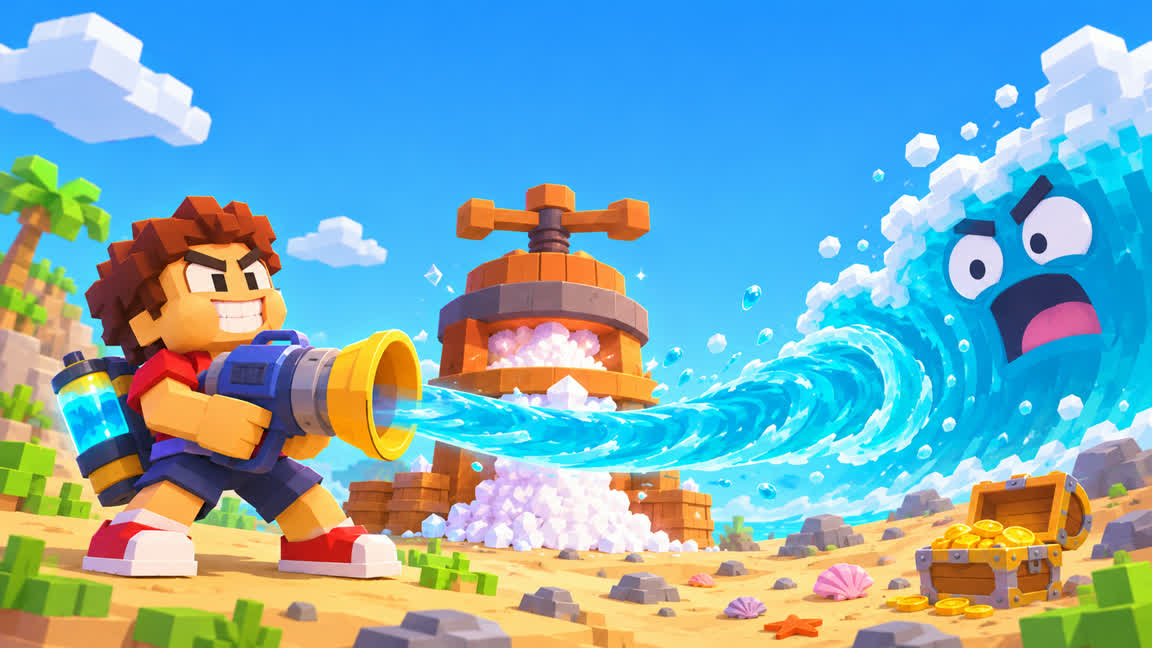
What is Drink The Ocean?
Drink The Ocean is a first-person incremental game from Pinidi Studio, published on Playgama in November 2026 and free to play in the browser. It drops you on a blocky shore with a straw and an entire ocean to drink. Every trip between the water and the press turns what you swallowed into salt, and every stretch of exposed seabed shows how far you have come.
Two meters carry the loop. Your belly fills with the water you can carry on the current trip, while the waterline marks your progress through the ocean itself. The first is a reason to walk back to the press. The second is a reason to make one more trip. As the water recedes, the game uncovers a shipwreck, a whale skeleton and a sunken city beneath the surface.
How to play Drink The Ocean
Start at the shoreline. Walk to the water with W A S D, aim with the mouse and left-click to drink through your straw. On a phone, hold the on-screen DRINK button. Watch your belly fill so you know when to turn around. Click into the game once before you use the keyboard, and press Tab whenever you want your mouse cursor back.
Take the water to the press. Head for the station marked PRESS and stand underneath it. The press squeezes the water you are carrying into salt, so treat your belly as a load you are delivering. Once it is empty, either walk back to the water or put the salt toward an upgrade.
Spend salt at the shop. Step onto the blue SHOP pad to see what is on offer. A bigger belly carries more water per trip. Extra straws widen how fast you drink, and the shop also sells a mouth vacuum and a pocket whirlpool. If the walk to the press feels like the longest part of the loop, look at belly capacity first. If you keep waiting at the shoreline for the water to fill up, compare the drinking tools instead. Switch tools on desktop with 1, 2 and 3.
Open the Sky Duck's gifts. The Sky Duck drops gifts as you progress. Press E on desktop to open one when it lands, and check the shop again while you are carrying salt.
If something goes wrong. Press T to return home when you get stuck in the terrain, and P to open the settings menu, which is where you adjust the game if the mouse, the sound or the fullscreen view is not behaving.
Watch the coast change as you drain it
As you remove water in Drink The Ocean, the shore you started on gives way to parts of the seabed you could not see earlier. After a few press runs, look back toward the water and see how much of the ocean floor is visible. The wreck and the skeleton are landmarks to aim for as you work deeper, and the sunken city is another good reason to glance up from the upgrade shop.
Reach the plug and start a new ocean
The goal of a run is to drain your way down to the plug on the ocean floor. Keep hauling water to the press and spending salt on your setup until you can reach the bottom and pull it. Pulling the plug starts another ocean: Playgama lists cola, lemonade, slime and lava among the variants, so the sea you see at the start is only one version of the challenge. The next round hands you a fresh stretch of water and another reason to rethink which upgrades you buy first.
No download, no Steam
Drink The Ocean runs in the browser tab you are already in. There is no installer, no client and no Steam page to visit, and no account to create before you begin. If the game feels slow on a laptop, drop the quality settings in the P menu before you blame the connection.
Is Drink The Ocean free?
Yes. Drink The Ocean is free to play in your browser through Playgama. You can start the game on this page without buying a copy.
Is Drink The Ocean on Steam?
No. Drink The Ocean has no Steam listing as of November 15, 2026. You can play free in your browser without the Steam client or a download.
Where can I play Drink The Ocean?
Select Play Drink The Ocean above to load the game right here. You can also play on the original Playgama listing, linked at the end of this section. Playgama lists support for desktop browsers and Android and iOS devices.
How do I start a new ocean?
Drink your way down to the plug on the ocean floor and pull it. The next ocean can be cola, lemonade, slime or lava, so each run hands you a different stretch of water to drain.
Does Drink The Ocean have in-app purchases?
The browser version is free to play. Playgama's listing notes in-game purchases for Drink The Ocean, and those are handled through the Playgama platform.
What languages does Drink The Ocean support?
Playgama lists English, Spanish, Portuguese, French, German, Italian, Polish, Turkish, Indonesian, Japanese, Korean and Simplified Chinese for the game. This page is written in English.